
01 / Map
Understand the report.
We look at where the figures come from, what the report needs to show and who approves it.
Agree the sources, reporting period and reviewer.



Practical AI & workflow automation
We build workflows and AI assistants for the work that repeats: organising enquiries, finding answers in business documents, and preparing content drafts or reporting summaries.
Let's plan your workflowEnquiries arrive in your inbox, briefs live in documents and campaign figures sit in spreadsheets. When your team keeps searching for, copying or reworking the same information, there is often a useful place to automate.
Automation follows agreed rules to carry out tasks such as saving a record or creating a task. AI can help make sense of a message, find information in approved documents or prepare a draft. Your team decides which actions run automatically and where someone needs to review or make a decision.
A selection of brands across Media Unboxx's wider work.


Team review

Bring the information together and give your team a clear next step.
Illustrative workflow using a fictional enquiry.
We look at how your team works, find a useful place to start and agree what needs a human decision.

Start with one useful task. We map it with your team, build a first version, test it and show you how to run it.
Example: a weekly campaign report.
01 / Map
We look at where the figures come from, what the report needs to show and who approves it.
Agree the sources, reporting period and reviewer.
02 / Build
We set rules to collect the agreed figures and prepare a report draft. AI can help write a summary where it is useful.
Your team checks the figures and approves the wording.

03 / Test
We try complete reports, missing figures and duplicate entries, so the workflow can flag a problem for someone to review.
Agree when it should stop and ask for help.

04 / Handover
We show the team how to run and review the report, with clear notes on how it works and who looks after it.
Agree how changes, maintenance and support will be handled.

Choose a recurring task to see what MU could help your team prepare.
Organise incoming requests so someone knows what to follow up.

Turn approved information into drafts your team can shape.

Prepare a clear summary from the figures your team agrees to use.

Help people find answers in approved business documents.

Illustrative examples. We agree each workflow around your team’s task and systems.
Check required details, move an approved record or notify the right person using agreed instructions.
Summarise information, suggest a category or prepare wording for someone to check against the source.
Pass agreed details between the tools involved, where their connection options and permissions allow.
Approve important actions, handle exceptions and take over when something needs attention.
Once the workflow is in use, check how it performs in the team's day-to-day work. Use what we learn to agree the next adjustment.
Example task statuses.
Walk us through the steps, share a few examples and show us where work gets stuck.
Identify the tools and documents involved, what the workflow can use and who can authorise access.
Choose an owner for decisions, reviewers for the output and people to help test it.
Agree subscriptions, ownership, documentation and support, including who handles future changes.
Why choose Media Unboxx?
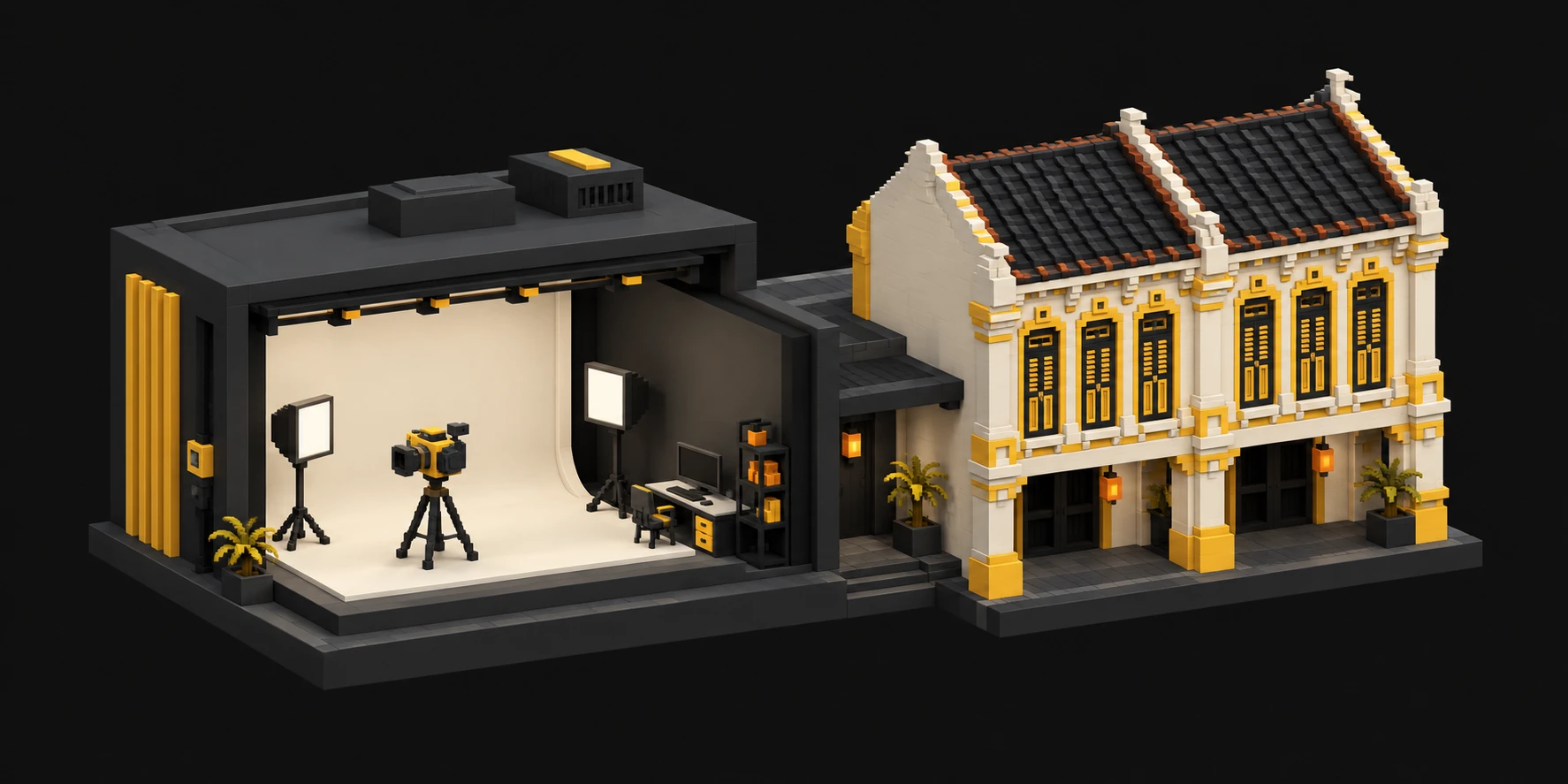
We look at the content, customer experience and tools around the task, so the workflow supports how your team actually works.
From brand and content to websites, events and paid media, bring your marketing together with one connected team.
We take time to understand your priorities, what makes your business different and where you see room to grow.
From F&B and fintech to technology and consumer goods, we bring different perspectives and useful experience to each new brief.
Tell us the task, the tools and where it gets stuck. We'll help shape a sensible first step.

The practical details before we shape your workflow.
No. Clear rules may be enough for a repeated task. AI can help interpret information or prepare a draft. We start with the task and decide what each step needs.
We check their connection options, account permissions and access first. Some tools may need a different plan or an additional subscription. We propose the workflow around what is available.
Only where agreed in the workflow. The examples here include human review before an external reply or publication. We define approvals and permissions before use.
We agree how missing information, uncertain output and failed connections are handled. The workflow may stop, flag the issue or return work to a person. We test those routes too.
We agree what information the workflow can use, who can access it and which services it passes through. Include any data or third-party restrictions in the brief.
The scope sets out the build, handover and any ongoing support. We identify third-party subscriptions, usage fees and future changes separately where they apply, before work begins.
Choose one repeated task. Share the tools involved, examples of what goes in and comes out, who handles it and what you want to improve. You do not need a technical specification.